CLI Tool
v0.8.1

LLxprt Code

Autonomous AI coding that runs for hours while you do other things.

A command-line interface for multi-pass development workflows. Use any model, any provider, on your terms. No telemetry, no lock-in, fully open source.

npm install -g @vybestack/llxprt-code
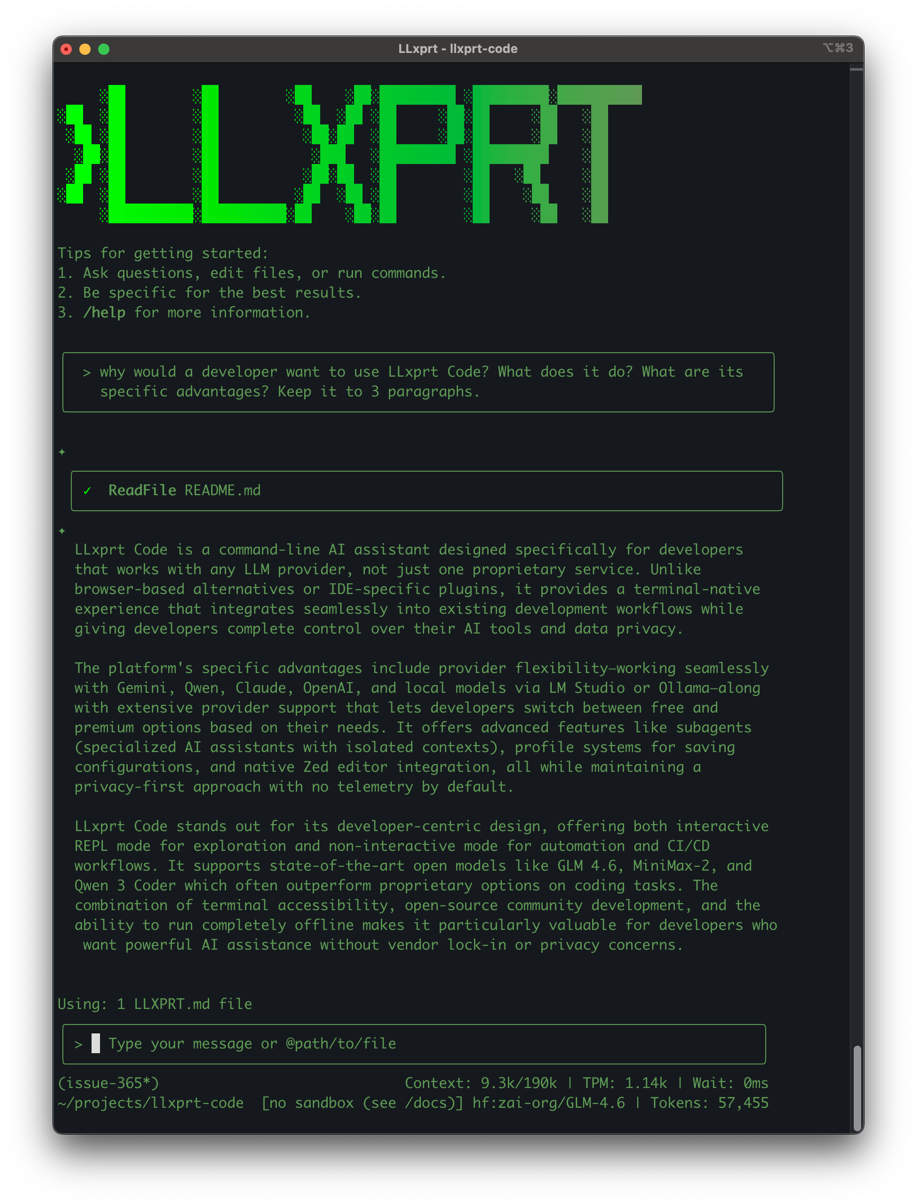
LLxprt Code terminal

Why LLxprt Code?

Multi-Provider

Works with Claude, GPT, Gemini, and local models. Switch providers mid-session, use multi-account failover, or load balance across API keys.

Multi-Pass Workflows

Not just one-shot answers. LLxprt plans, implements, tests, debugs, and iterates—across hours, not minutes.

Your Subscriptions

Use your existing Claude, OpenAI, or Google subscriptions via OAuth. No separate billing, no middleman markup.

No Telemetry

Your code stays on your machine. No usage data sent to us. Privacy by design.

Open Source

Apache 2.0 licensed. Community-driven development. Fork it, extend it, make it yours.

Terminal Native

Built for developers who live in the command line. Vim keybindings, shell integration, pipe-friendly output.

Built For

Solo Developers

Get a coding partner that actually understands your codebase. Run long refactoring tasks while you focus on architecture.

Small Teams

Standardize on one tool, use multiple providers. When one API is down or throttled, fail over automatically.

Privacy-Conscious Teams

No telemetry means no data leaves your environment. Perfect for regulated industries and security-focused teams.

Get Started

npm (Recommended)

npm install -g @vybestack/llxprt-code

npx (No install)

npx @vybestack/llxprt-code

Docker

docker run -it ghcr.io/vybestack/llxprt-code:latest

From Source

git clone https://github.com/vybestack/llxprt-code
npm install && npm run build

Join the Community

Active development with 340+ community members and growing.